

我们可以使用 pyplot 中的 subplot() 和 subplots() 方法来绘制多个子图。
subpot() 方法在绘图时需要指定位置,subplots() 方法可以一次生成多个,在调用时只需要调用生成对象的 ax 即可。
subplot(nrows, ncols, index, kwargs)
subplot
(pos, kwargs)
subplot
(kwargs)
subplot
(ax)
以上函数将整个绘图区域分成 nrows 行和 ncols 列,然后从左到右,从上到下的顺序对每个子区域进行编号 1...N ,左上的子区域的编号为 1、右下的区域编号为 N,编号可以通过参数 index 来设置。
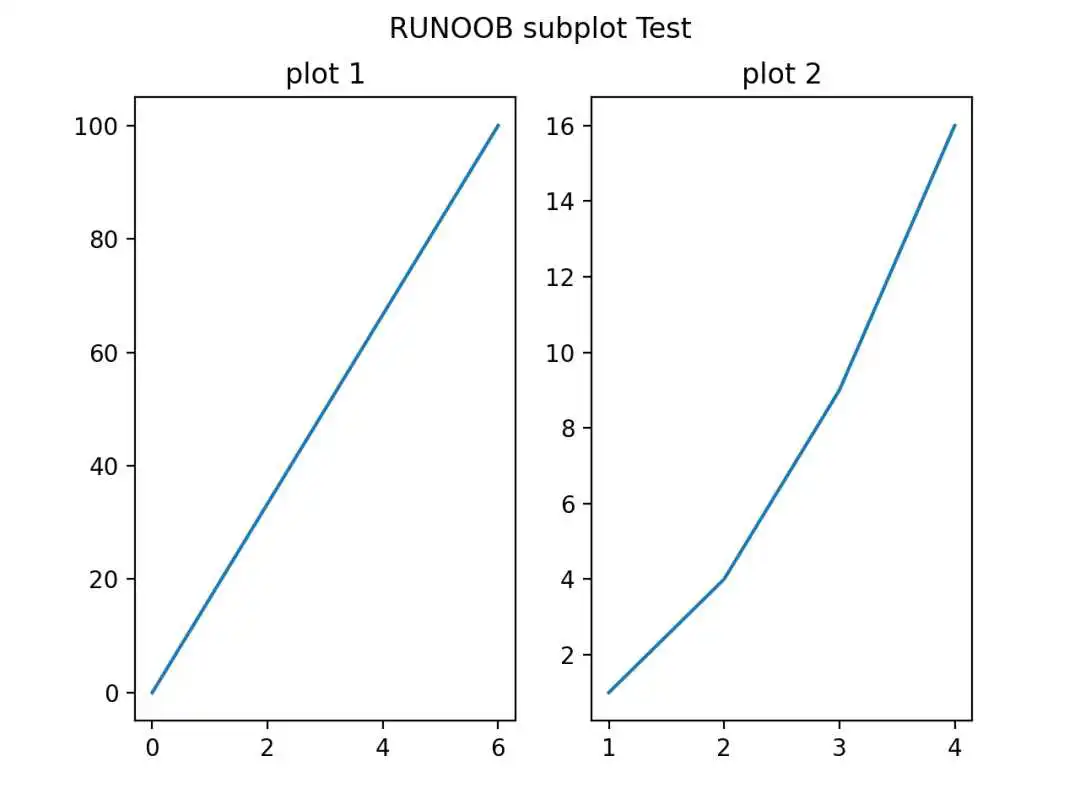
设置 numRows = 1,numCols = 2,就是将图表绘制成 1x2 的图片区域, 对应的坐标为:
(1, 1), (1, 2)
plotNum = 1, 表示的坐标为(1, 1), 即第一行第一列的子图。
plotNum = 2, 表示的坐标为(1, 2), 即第一行第二列的子图。
import matplotlib.pyplot as pltimport numpy as np#plot 1:xpoints = np.array([0, 6])ypoints = np.array([0, 100])plt.subplot(1, 2, 1)plt.plot(xpoints,ypoints)plt.title("plot 1")#plot 2:x = np.array([1, 2, 3, 4])y = np.array([1, 4, 9, 16])plt.subplot(1, 2, 2)plt.plot(x,y)plt.title("plot 2")plt.suptitle("RUNOOB subplot Test")plt.show()
显示结果如下:
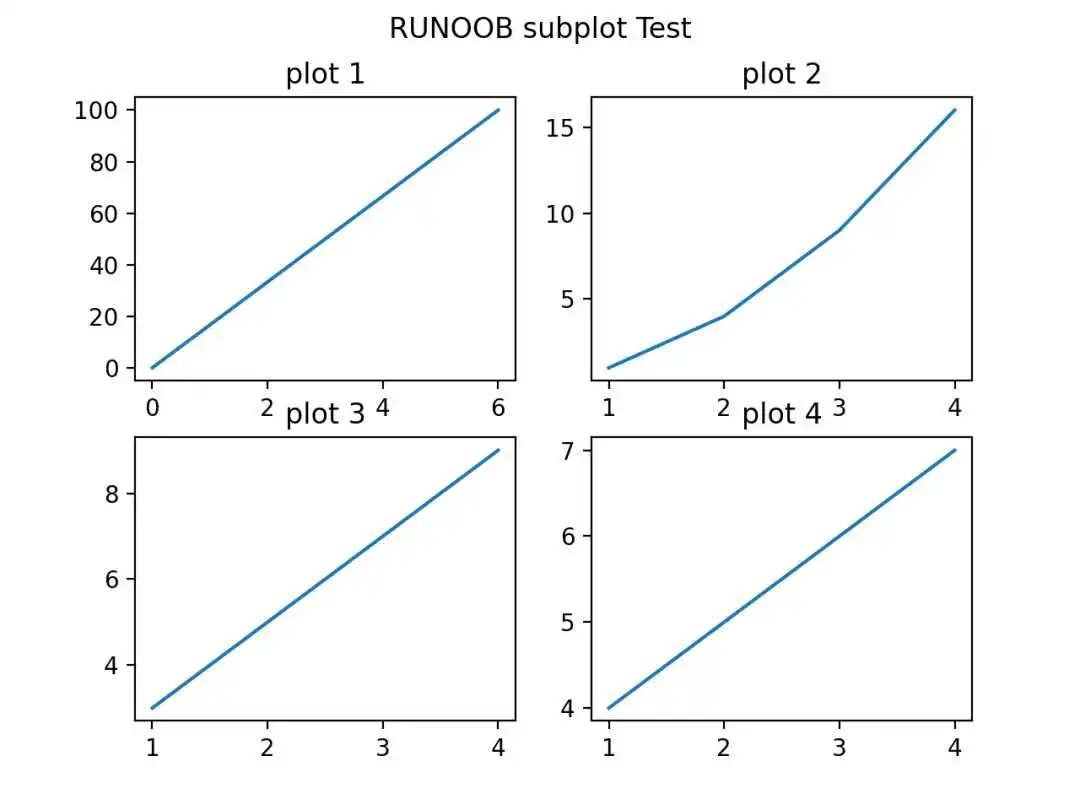
设置 numRows = 2,numCols = 2,就是将图表绘制成 2x2 的图片区域, 对应的坐标为:
(1, 1), (1, 2)(2, 1), (2, 2)
plotNum = 1, 表示的坐标为(1, 1), 即第一行第一列的子图。
plotNum = 2, 表示的坐标为(1, 2), 即第一行第二列的子图。
plotNum = 3, 表示的坐标为(2, 1), 即第二行第一列的子图。
plotNum = 4, 表示的坐标为(2, 2), 即第二行第二列的子图。
import matplotlib.pyplot as pltimport numpy as np#plot 1:x = np.array([0, 6])y = np.array([0, 100])plt.subplot(2, 2, 1)plt.plot(x,y)plt.title("plot 1")#plot 2:x = np.array([1, 2, 3, 4])y = np.array([1, 4, 9, 16])plt.subplot(2, 2, 2)plt.plot(x,y)plt.title("plot 2")#plot 3:x = np.array([1, 2, 3, 4])y = np.array([3, 5, 7, 9])plt.subplot(2, 2, 3)plt.plot(x,y)plt.title("plot 3")#plot 4:x = np.array([1, 2, 3, 4])y = np.array([4, 5, 6, 7])plt.subplot(2, 2, 4)plt.plot(x,y)plt.title("plot 4")plt.suptitle("RUNOOB subplot Test")plt.show()
显示结果如下:
subplots() 方法语法格式如下:
matplotlib.pyplot.subplots(nrows=1, ncols=1, *, sharex=False, sharey=False, squeeze=True, subplot_kw=None, gridspec_kw=None, fig_kw)
参数说明:
- nrows:默认为 1,设置图表的行数。
- ncols:默认为 1,设置图表的列数。
- sharex、sharey:设置 x、y 轴是否共享属性,默认为 false,可设置为 'none'、'all'、'row' 或 'col'。False 或 none 每个子图的 x 轴或 y 轴都是独立的,True 或 'all':所有子图共享 x 轴或 y 轴,'row' 设置每个子图行共享一个 x 轴或 y 轴,'col':设置每个子图列共享一个 x 轴或 y 轴。
- squeeze:布尔值,默认为 True,表示额外的维度从返回的 Axes(轴)对象中挤出,对于 N*1 或 1*N 个子图,返回一个 1 维数组,对于 N*M,N>1 和 M>1 返回一个 2 维数组。如果设置为 False,则不进行挤压操作,返回一个元素为 Axes 实例的2维数组,即使它最终是1x1。
- subplot_kw:可选,字典类型。把字典的关键字传递给 add_subplot() 来创建每个子图。
- gridspec_kw:可选,字典类型。把字典的关键字传递给 GridSpec 构造函数创建子图放在网格里(grid)。
- fig_kw:把详细的关键字参数传给 figure() 函数。
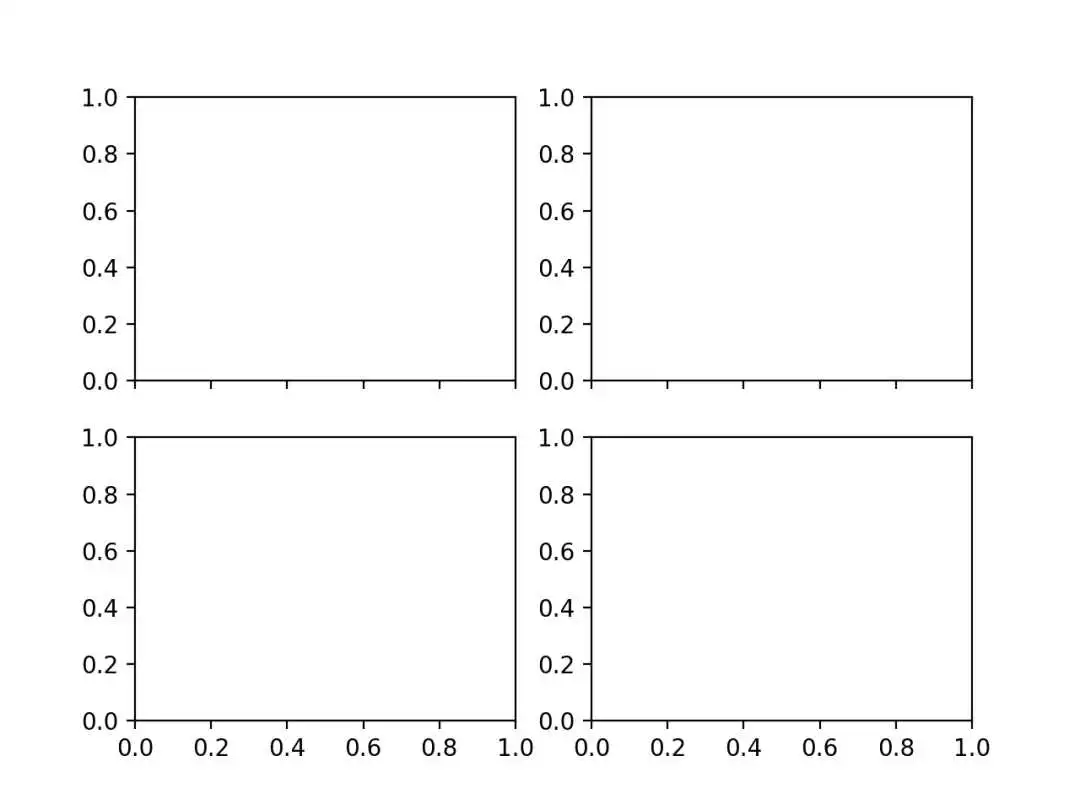
import matplotlib.pyplot as pltimport numpy as np# 创建一些测试数据 -- 图1x = np.linspace(0, 2*np.pi, 400)y = np.sin(x2)# 创建一个画像和子图 -- 图2fig, ax = plt.subplots()ax.plot(x, y)ax.set_title('Simple plot')# 创建两个子图 -- 图3f, (ax1, ax2) = plt.subplots(1, 2, sharey=True)ax1.plot(x, y)ax1.set_title('Sharing Y axis')ax2.scatter(x, y)# 创建四个子图 -- 图4fig, axs = plt.subplots(2, 2, subplot_kw=dict(projection="polar"))axs[0, 0].plot(x, y)axs[1, 1].scatter(x, y)# 共享 x 轴plt.subplots(2, 2, sharex='col')# 共享 y 轴plt.subplots(2, 2, sharey='row')# 共享 x 轴和 y 轴plt.subplots(2, 2, sharex='all', sharey='all')# 这个也是共享 x 轴和 y 轴plt.subplots(2, 2, sharex=True, sharey=True)# 创建10 张图,已经存在的则删除fig, ax = plt.subplots(num=10, clear=True)plt.show()
部分图表显示结果如下:
图1
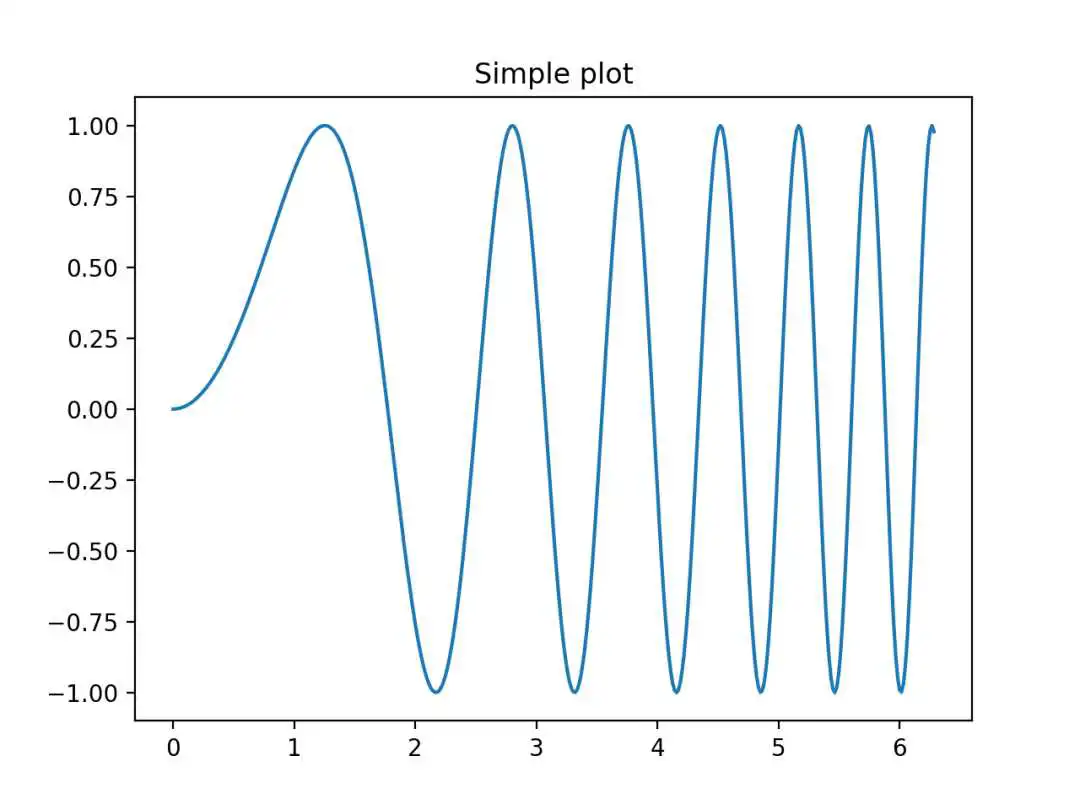
图2
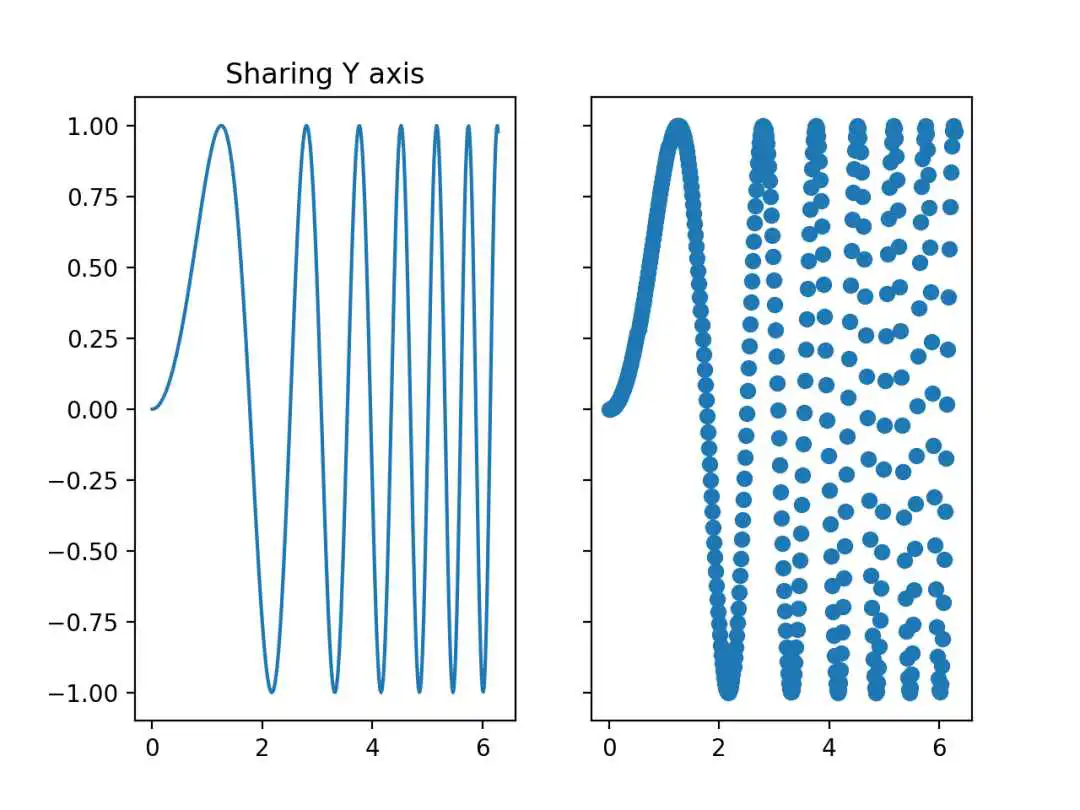
图3
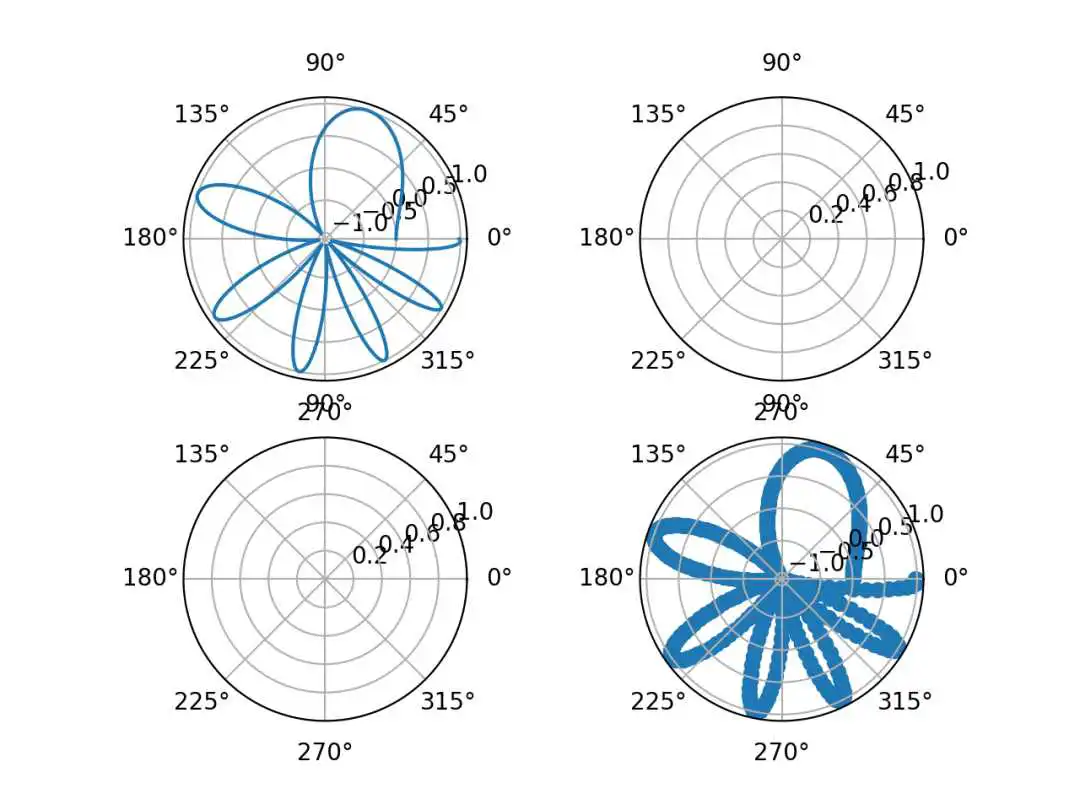
图4
版权声明:
本文来自互联网用户投稿,该文观点仅代表作者本人,不代表本站立场。本站仅提供信息存储空间服务,不拥有所有权,不承担相关法律责任。
如若内容造成侵权、违法违规、事实不符,请将相关资料发送至xkadmin@xkablog.com进行投诉反馈,一经查实,立即处理!
转载请注明出处,原文链接:https://www.xkablog.com/pythonbc/44108.html